
Start with the message.
A sermon recording. A transcript. A thought you want to develop. Bring the source once and keep it close to what comes next.
Turn sermons into compelling clips, devotionals, emails and designs. Your voice. Your judgment. A little more room to create.
Free account and setup. AI creation requires a paid plan.



You’ve done the work of finding something worth saying. Give it more places to meet people.
A sermon recording. A transcript. A thought you want to develop. Bring the source once and keep it close to what comes next.
See the workflowChoose a step to follow the messageA sermon recording. A transcript. A thought you want to develop. Bring the source once and keep it close to what comes next.
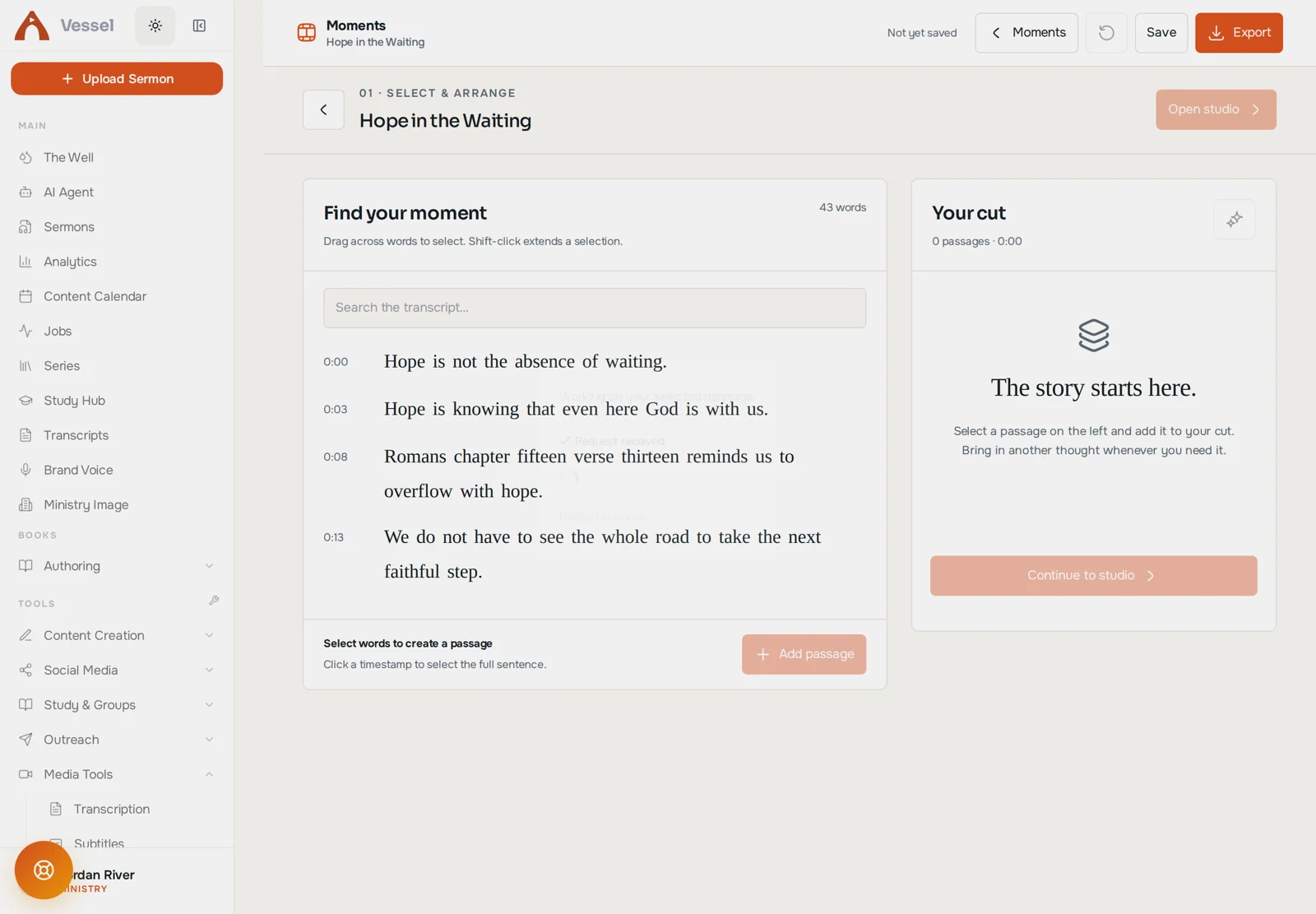
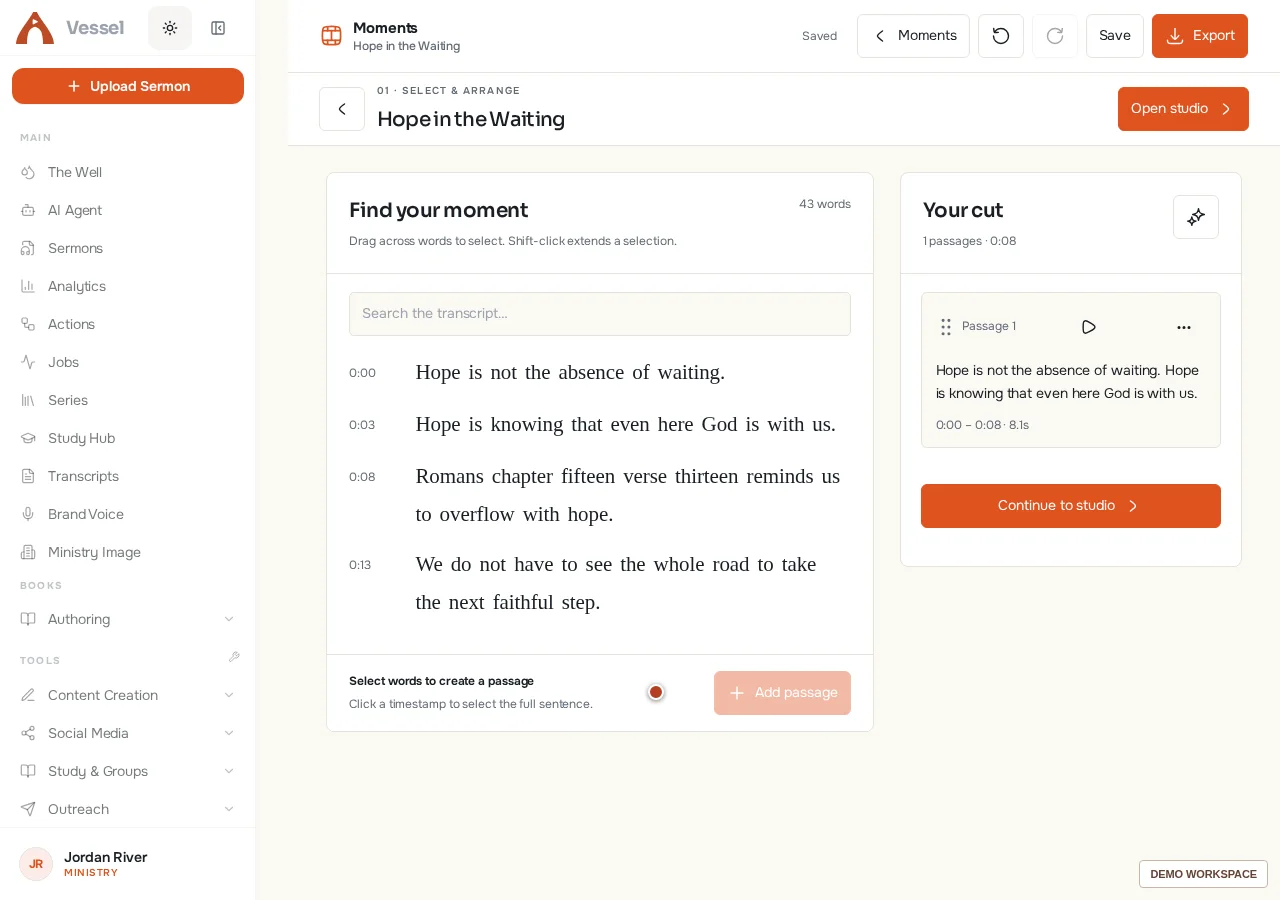
Choose a complete thought yourself or explore suggested moments. Read the context. Listen to the passage. Keep what makes it mean something.
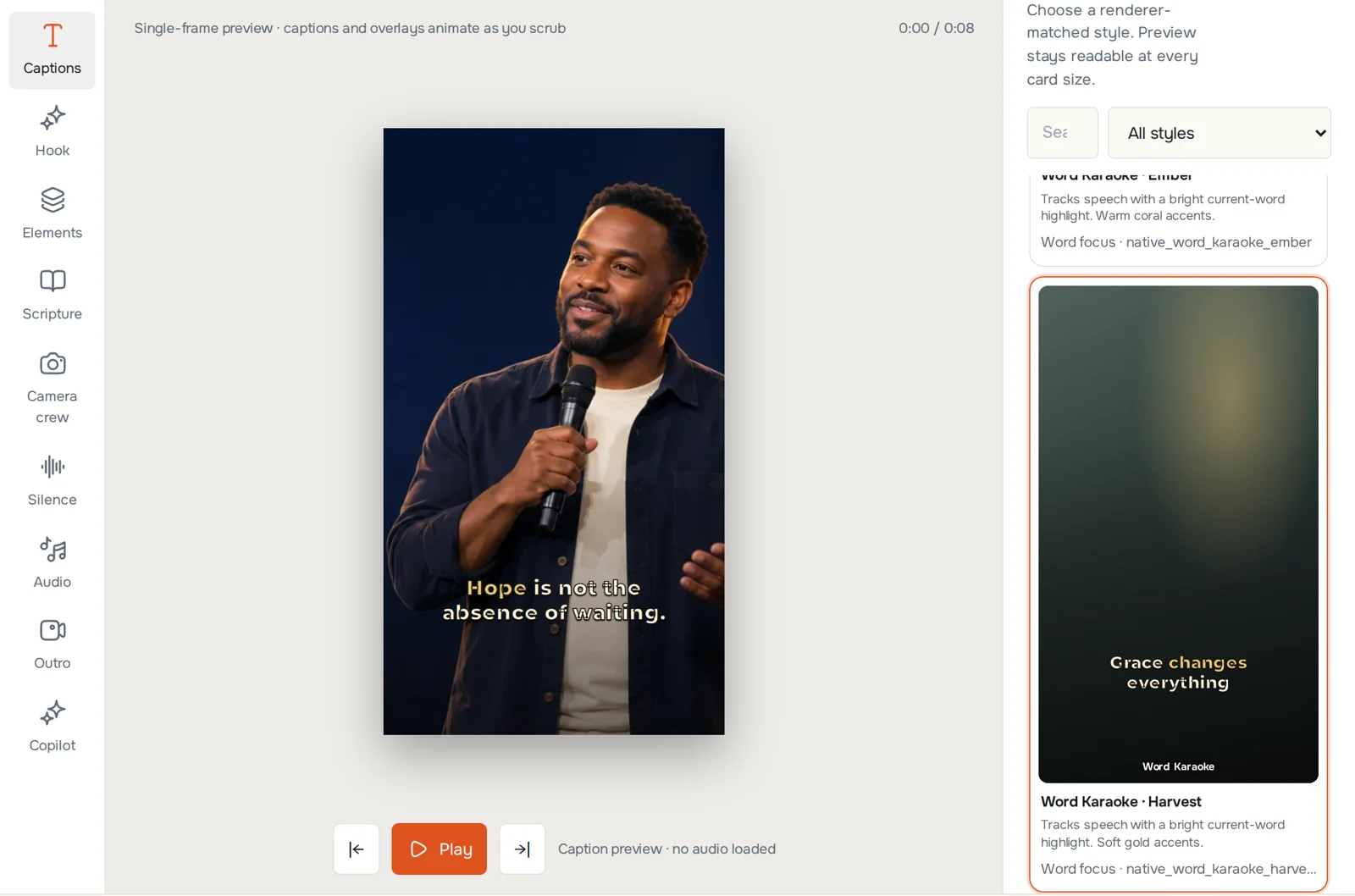
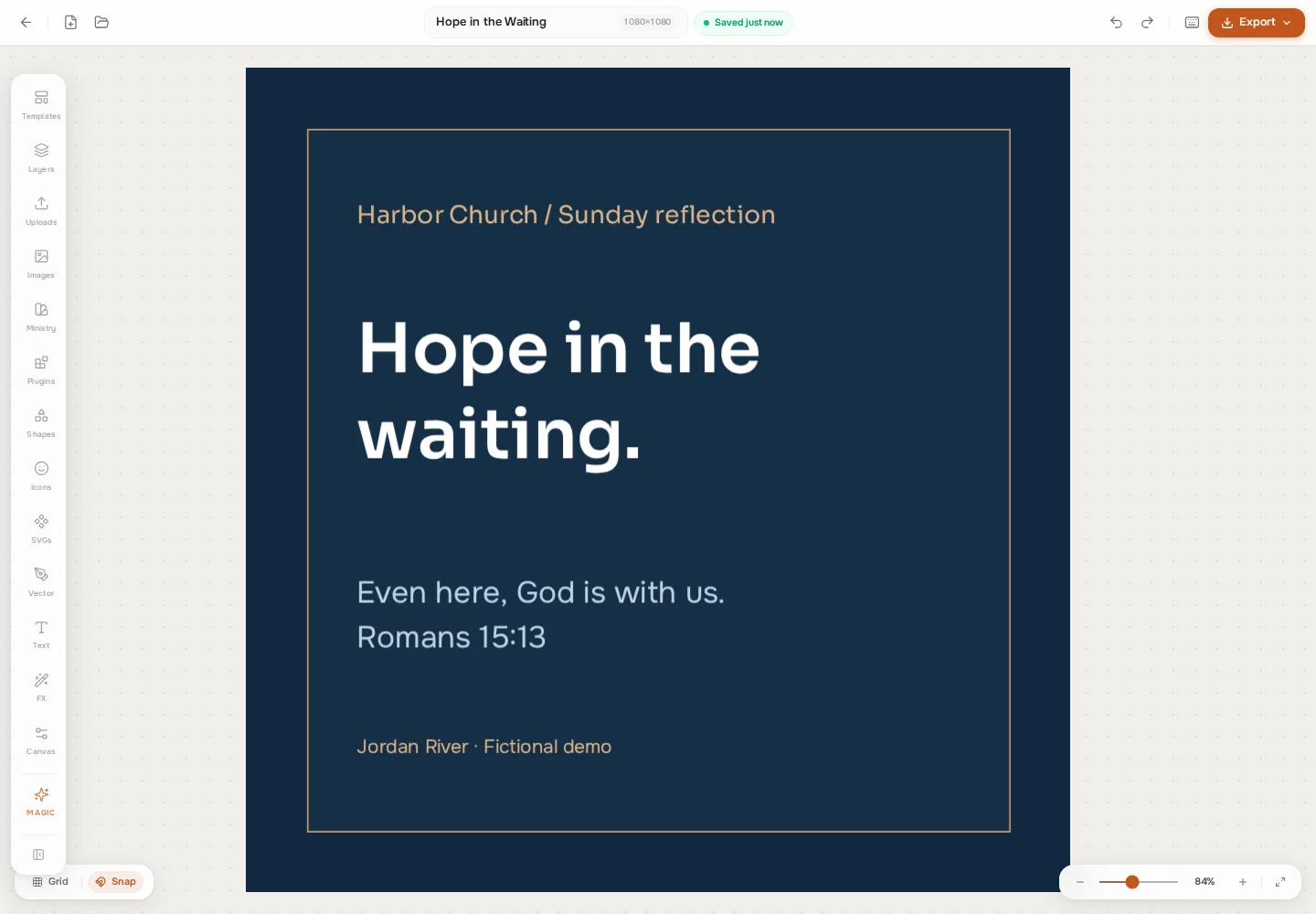
Style the words. Shape the frame. Add the verse, the image, the pause that earns its place. Your editor gives you the final say.
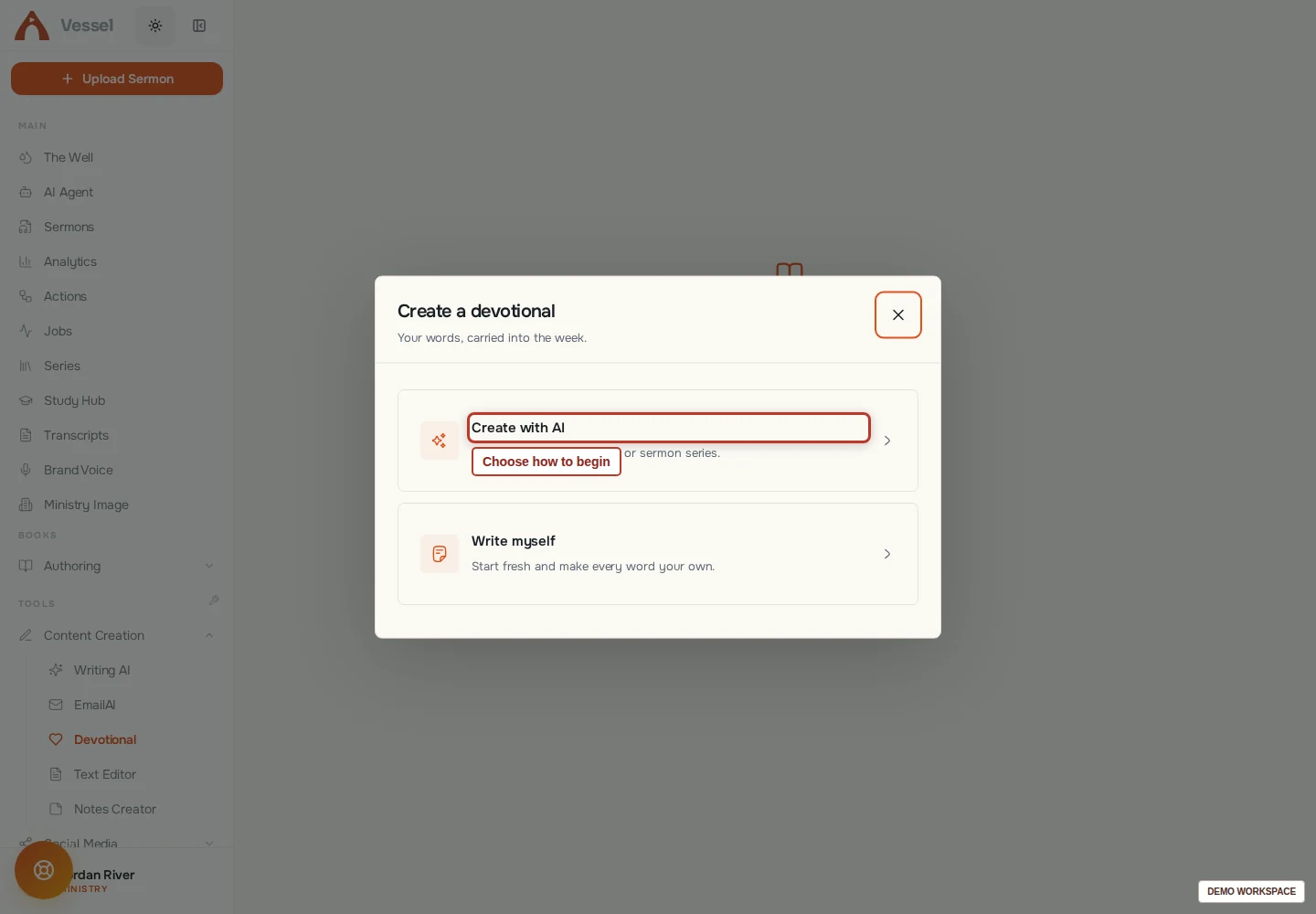
Let the same message become a reading plan, an email, a design or something longer. Connected work, each with a place to make it better.

A closer look at the actual workspace. Pick a chapter, follow the controls and imagine what you’ll make with your own message.
Follow a practical guide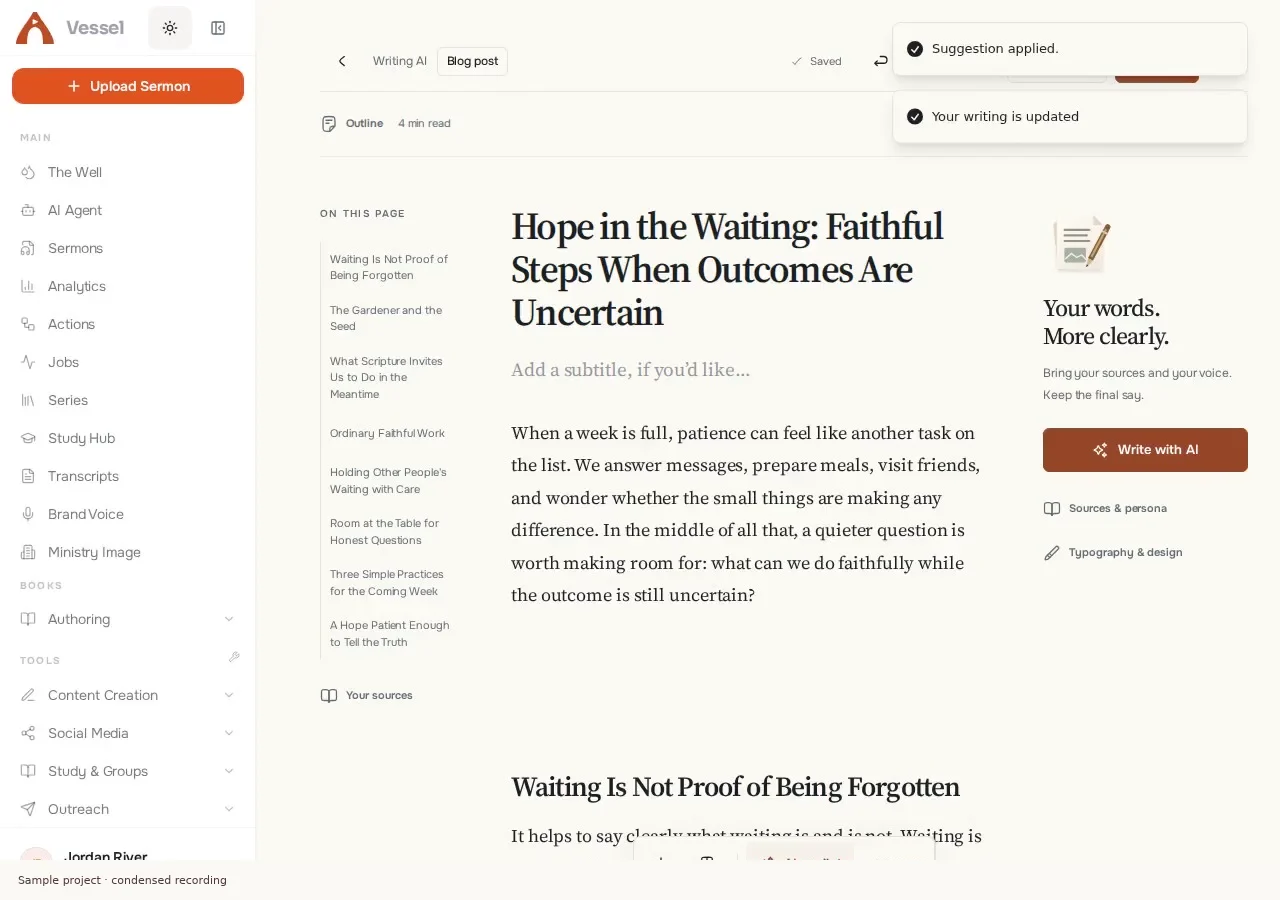
Actual generation, review, editing and Markdown download in a disposable demo workspace. Generation waits are shortened and labeled.
Recorded product walkthroughs use sample projects. Agent conversations are illustrative. Recordings are condensed; they are not customer endorsements or performance benchmarks.
The point isn’t to make more things. It’s to make something useful, thoughtful, and true to the message you’ve been trusted with.
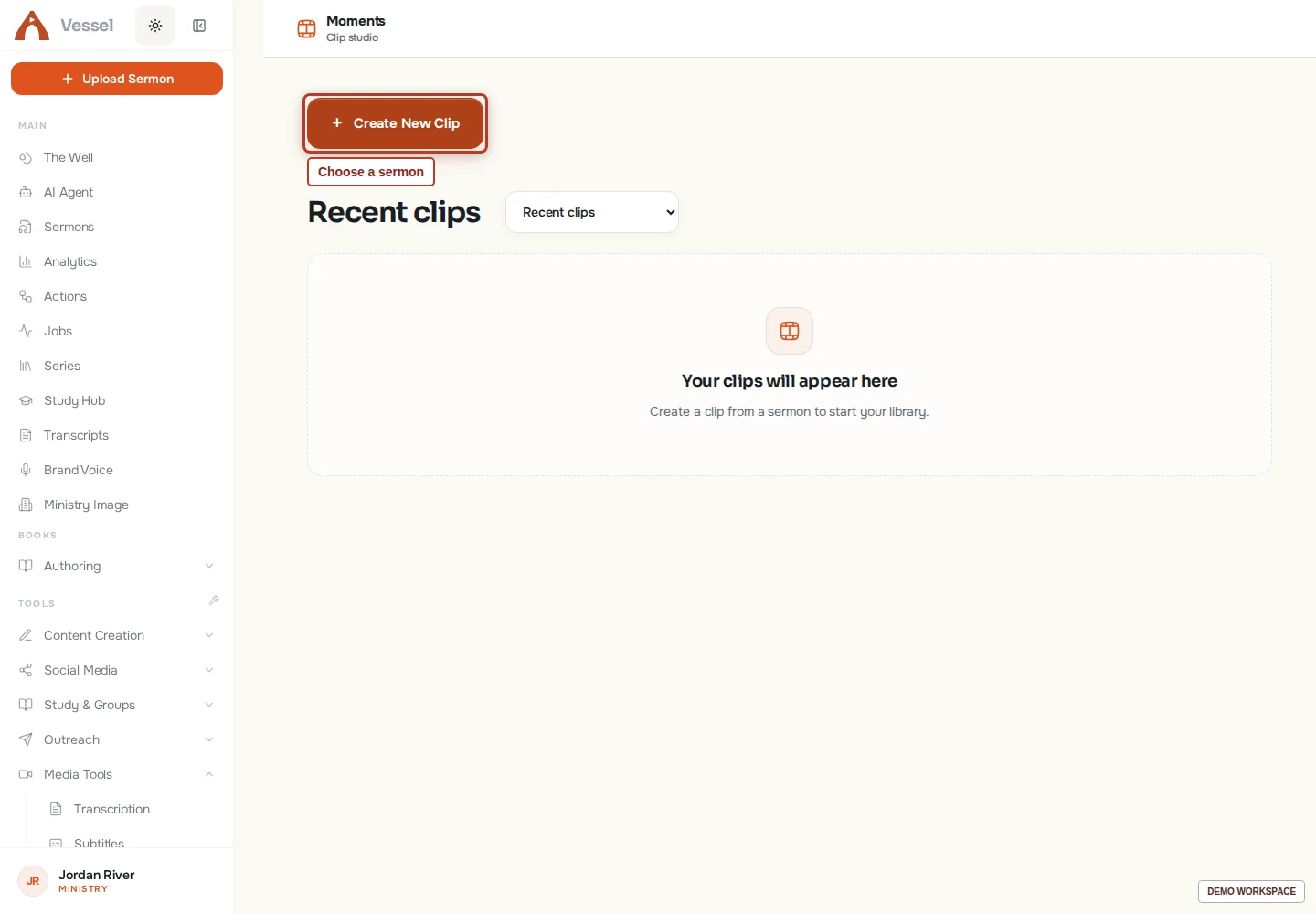
Keep a complete thought. Join the right passages. Refine captions, framing, sound and the moments between. An editor built for the details.
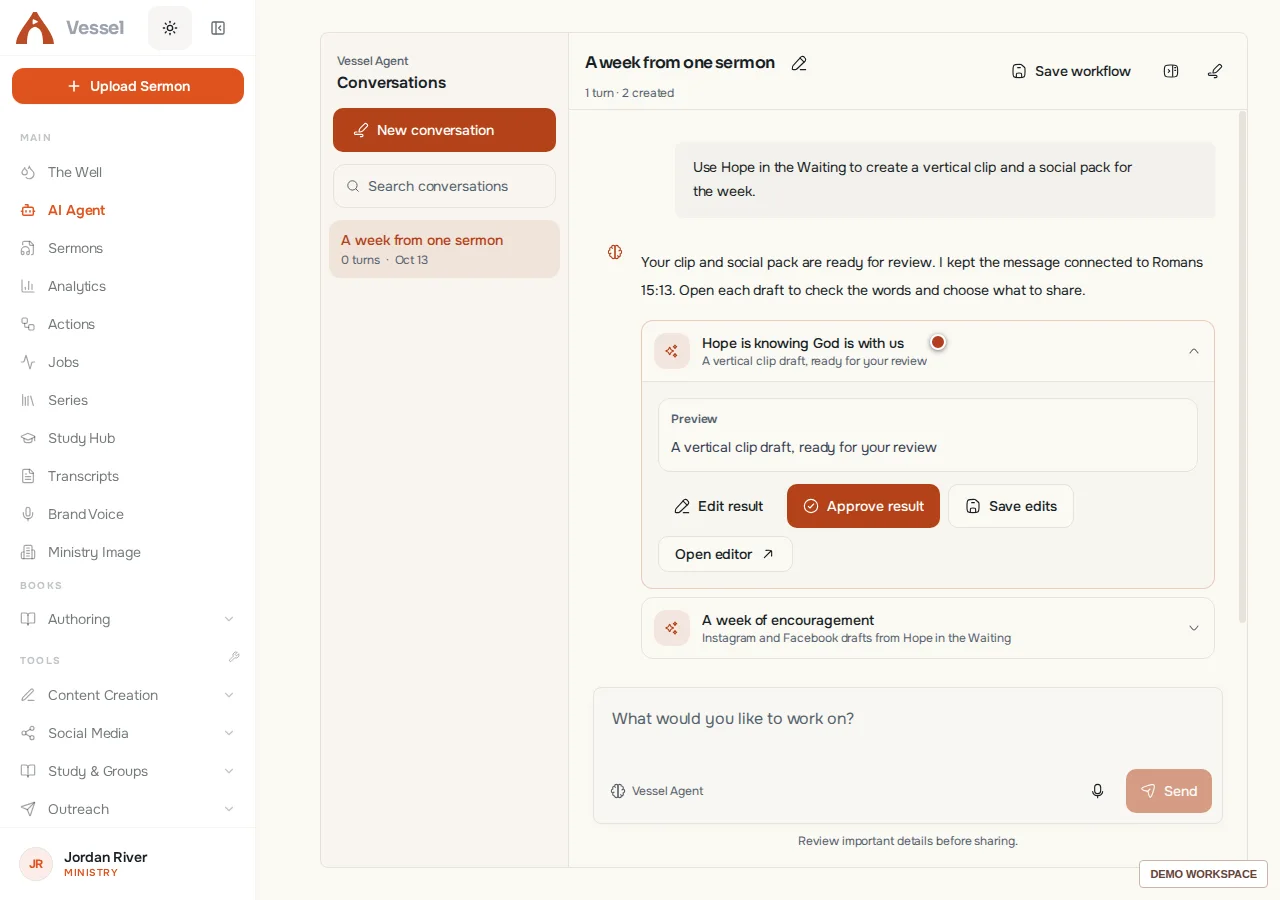
Find a source, develop a resource, adjust an edit or build a repeatable tool. Your agent can work across Vessel, with the context and controls to keep you involved.
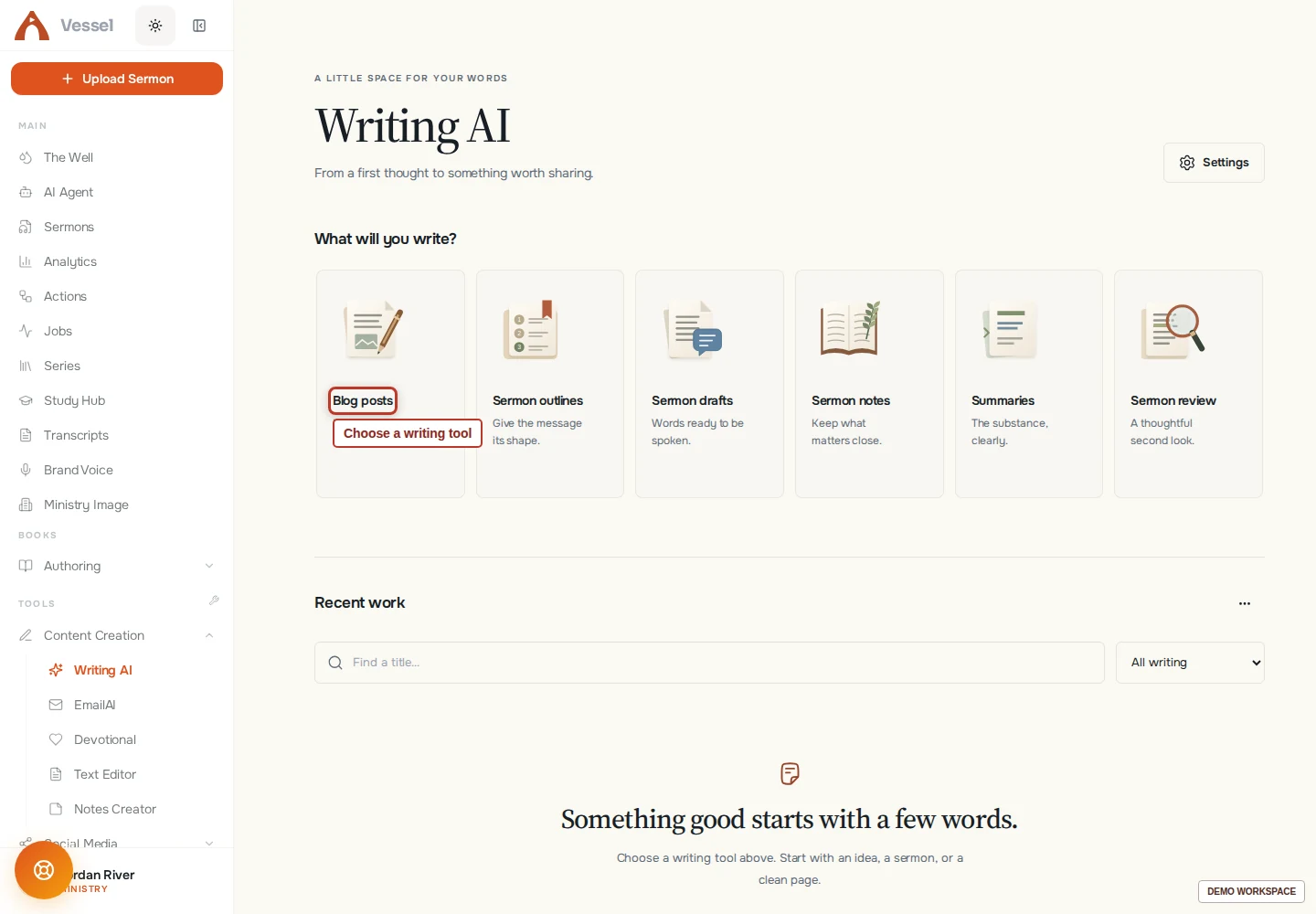
Articles, outlines, teaching resources and emails—shaped around the way you write. Build a persona from your own work, then make every line yours.
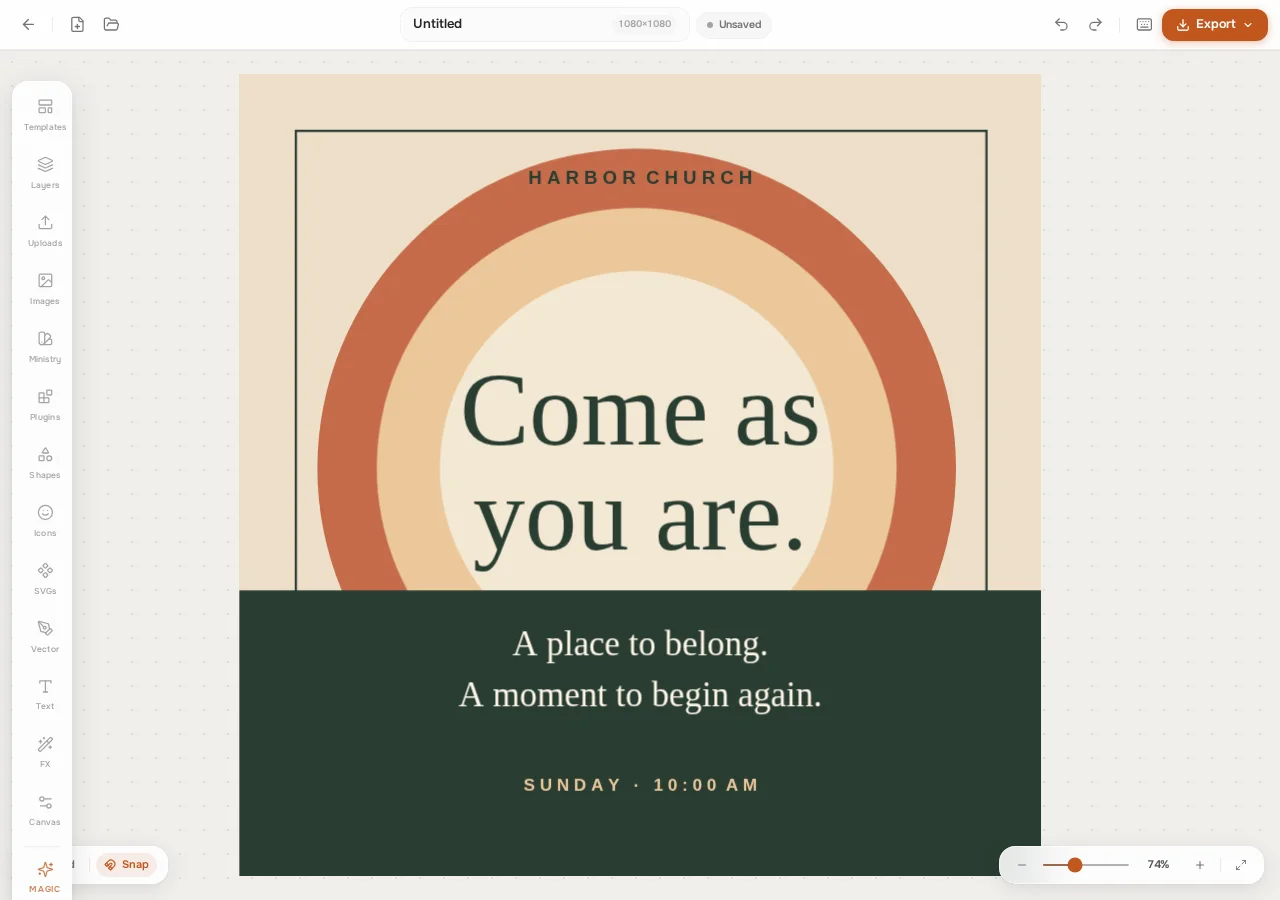
Start from a considered template or create on the canvas. Refine type, imagery, layers and your church’s visual identity instead of settling for a locked image.

A daily reading path, a short book, a workbook or a ministry manual. Develop the content, design the reading experience and prepare a thoughtful resource.

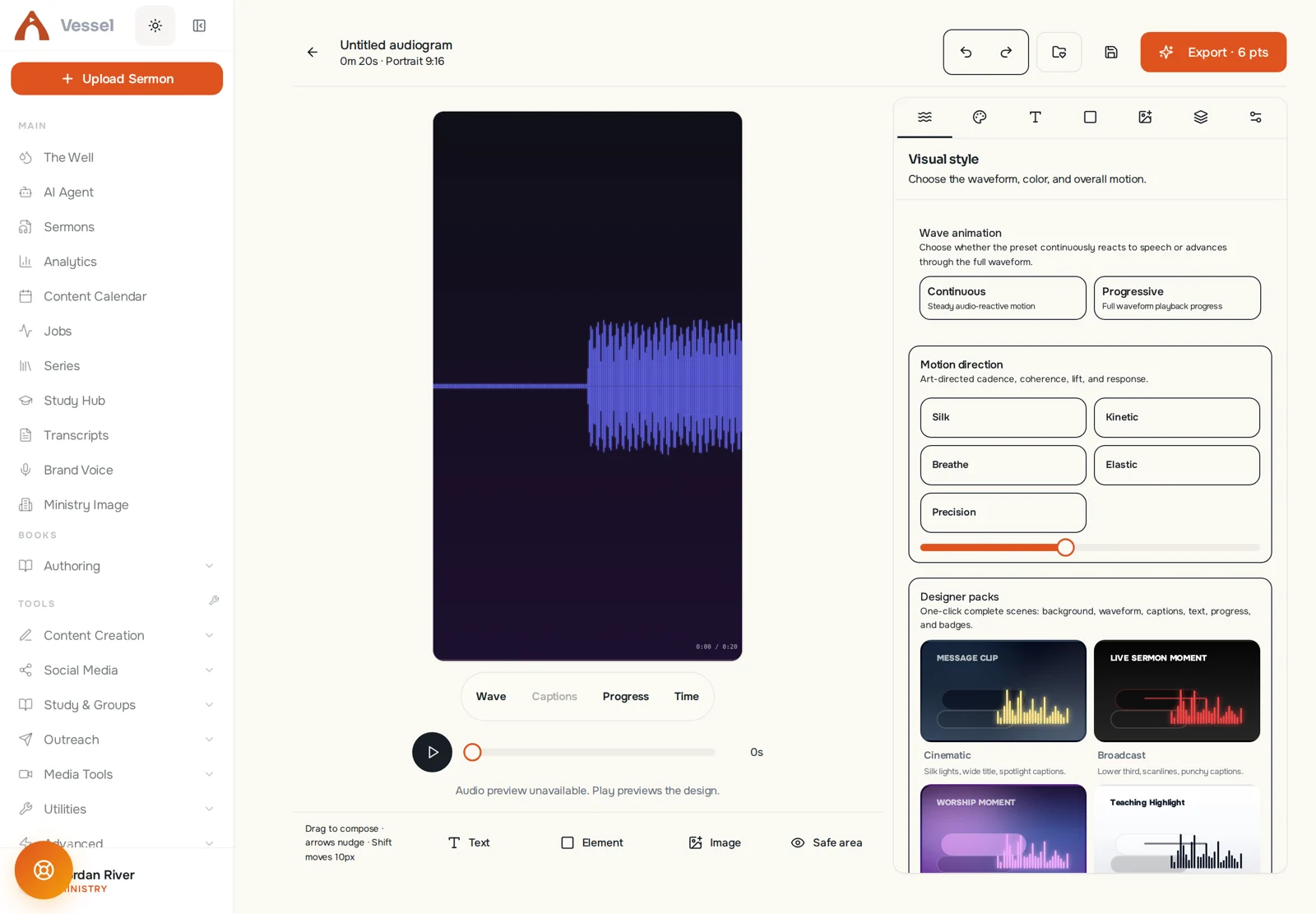
Give an audio passage an animated visual identity. Or translate timed subtitles, review the words, and take your message to another language.
You don’t have to learn everything at once. Start with one useful result. The next idea has somewhere to go.
Create your account, choose the plan that fits, and spend your points on the work that matters to your team.
Compare plans and details$10/ week
Individual workspace
$35/ month
Individual workspace
$79/ month
Up to 3 team members
$149/ month
Up to 7 team members
Prices in USD. Taxes may apply. AI operations use points; usage varies by operation. Account creation and setup are free; processing is paid. Check Billing for current plan and point details.
Vessel is a creative AI workspace for pastors and church media teams. Bring a sermon, recording or idea, then make clips, writing, emails, designs, reading resources and audio work in purpose-built editors.
No. Sermons connect the workflow, but many tools also start with a topic, written notes, a recording, an uploaded file or a blank canvas. Each tool shows the sources it accepts.
Yes. Use saved brand details and writing personas built from your own examples. Review and edit the result so your team—not the model—makes the final editorial decision.
Account creation and setup are free. AI generation and cloud media processing require an active paid plan. Pro Weekly is $10 per week; monthly plans begin at $35. There is no free processing-credit allowance.
You can prepare and export content for your publishing workflow. Vessel does not promise direct posting to every social platform. EmailAI supports sending through configured providers; review recipients and content before sending.
Check the actual passage, translation, attribution, theological meaning and surrounding context. AI can help find and develop material; it does not replace pastoral or editorial judgment.
Manage your plan in Billing and the provider portal. Cancellation stops renewal under the billing terms. Read the Refund Policy for how requests are reviewed.

Start with one sermon. One thought. One useful thing for your people.
Make your next thingFree account and setup. AI creation requires a paid plan.